What to Do If You Lost Your FORScan Activation Code or Changed Computers
An extended FORScan license unlocks full diagnostic, coding, and adaptation capabilities for Ford, Mazda, Lincoln, and Mercury vehicles. However, users often encounter situations where the software prompts for an activation code again:
- HDD/SSD replacement or formatting, or a clean reinstall of Windows.
- Switching to a new laptop or PC where FORScan was not previously activated.
- Hardware ID (HWID) changes caused by hardware or driver updates.
- Accidentally losing or deleting the email containing your original activation key.
If you find yourself in one of these situations, you do not need to repurchase a license as long as your current subscription remains valid. The FORScan development team provides both automatic and manual recovery options.
This guide walks you through restoring your software's active status quickly and smoothly.
Step-by-Step Instructions: How to Recover Your FORScan Activation Code
To restore a lost activation code, use the official FORScan support request tool.
Step 1. Access the Recovery Form
Navigate to the official FORScan code recovery page:
FORScan Activation Code Recovery Form
Step 2. Enter Your Details
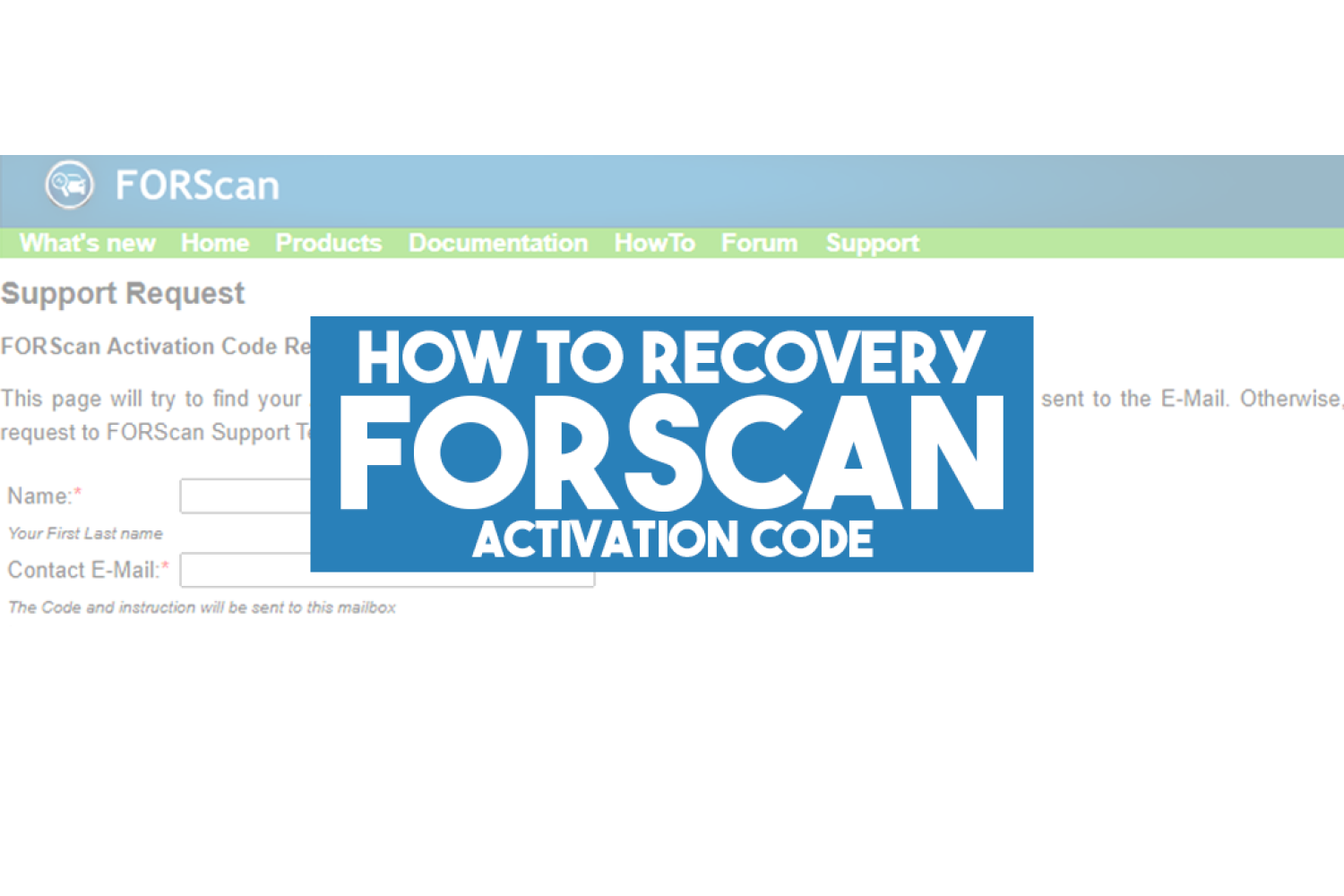
On the Support Request — FORScan Activation Code Recovery page, fill in the required fields:
- Name: Enter your First and Last name (preferably matching the name used during purchase).
- Contact E-Mail: Enter the email address associated with your original license purchase.
Step 3. Submit the Request
Click the Submit button.
How Does the Recovery Process Work?
- Automated Search: The system instantly checks the database. If a match is found, your active Activation Code and setup instructions will be sent automatically to your inbox.
- Manual Support Issue: If the automatic lookup fails (for example, if a typo was made during purchase or your email changed), the request is automatically routed to the FORScan Support Team for manual verification.
Tip: Always check your Spam or Junk folder if the email with your recovered code does not arrive within a few minutes.
What If Your License Has Expired?
The recovery form only retrieves active, unexpired keys. If your 1-year or multi-year subscription period has ended, you will need to purchase a new activation key to continue using advanced features.
Where to Buy an Official 1-Year FORScan License Instantly
At iobd.io, you can buy an official 1-year FORScan license with instant digital delivery to your email.
Why buy from us?
- Instant Key Delivery straight to your inbox after payment.
- Flexible Payment Methods suitable for global customers.
- 100% Genuine — official licensing guaranteed.
- Responsive Customer Support to help with installation and setup.
Buy 1-Year FORScan License on iobd.io
Summary
Losing your FORScan activation code doesn't mean you have to pay twice. Simply use the FORScan Recovery Form to retrieve your key instantly. And if your subscription is nearing its end date, renew it in just a few clicks at iobd.io/forscan!